Data Linked to You
The following data may be collected and linked to your identity:
- Health & Fitness
- Location
- Contact Info
- Identifiers
- Usage Data
Visualizza l'anteprima di una pagina prodotto dell'Apple App Store prima di aggiornare App Store Connect. Importa una scheda live o inserisci i metadati a mano, poi rivedi layout della pagina, screenshot, valutazioni, note di rilascio, schede privacy e sezione informazioni.
Rispecchia struttura, spaziature e gerarchia della pagina web attuale dell'App Store.

Flexibility, Mobility, Yoga
Free · In-App Purchases · Designed for iPhone. Not verified for macOS.
Age Rating
Years
Category
App
Developer
Maker
Language
English
Size
MB
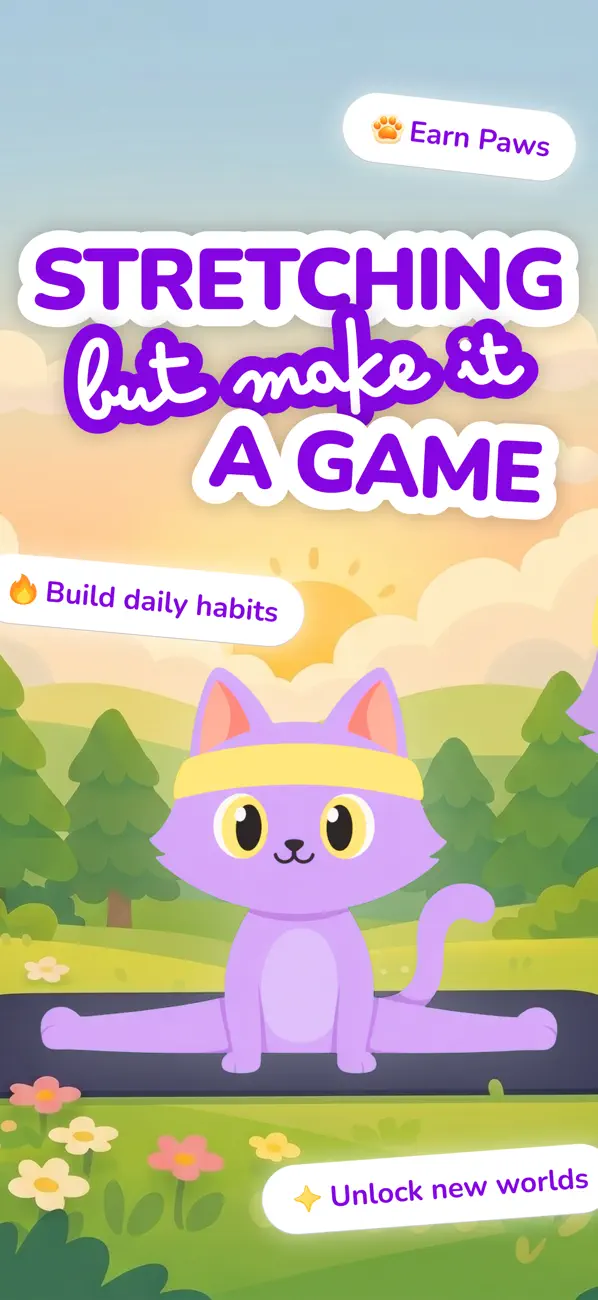
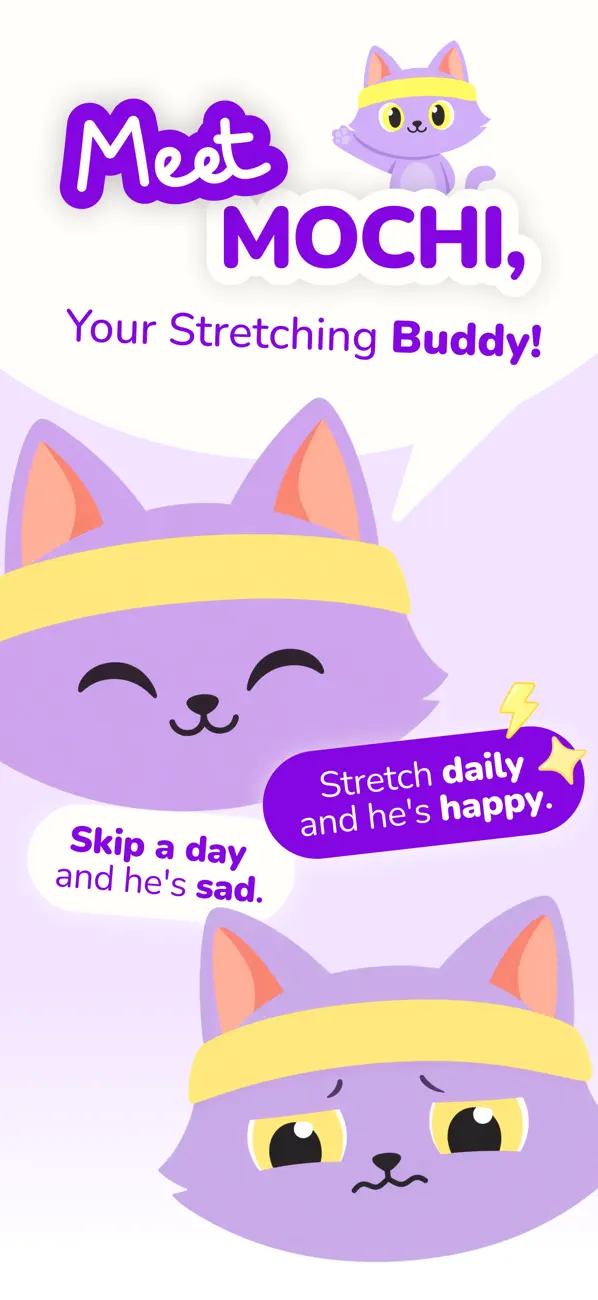
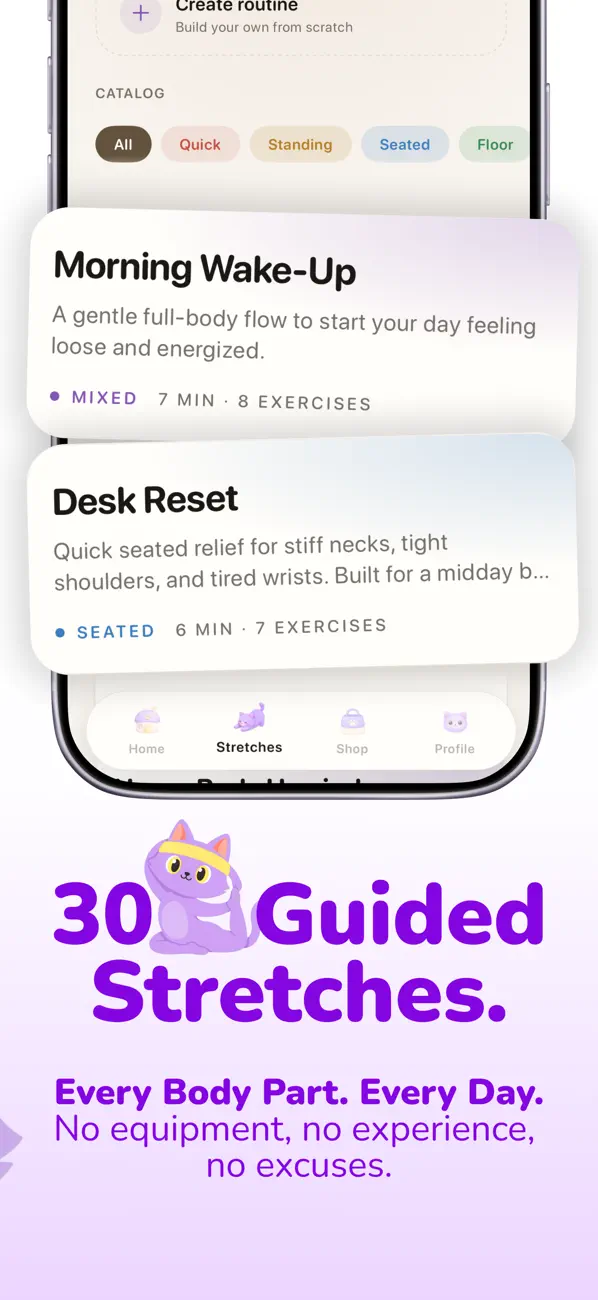
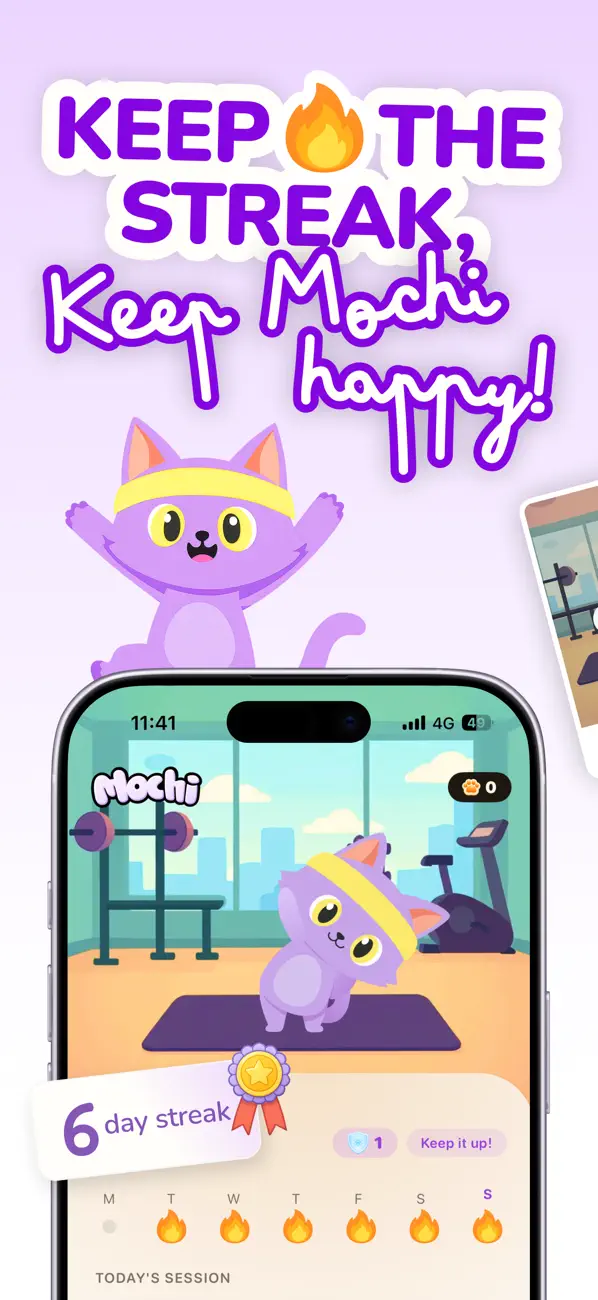
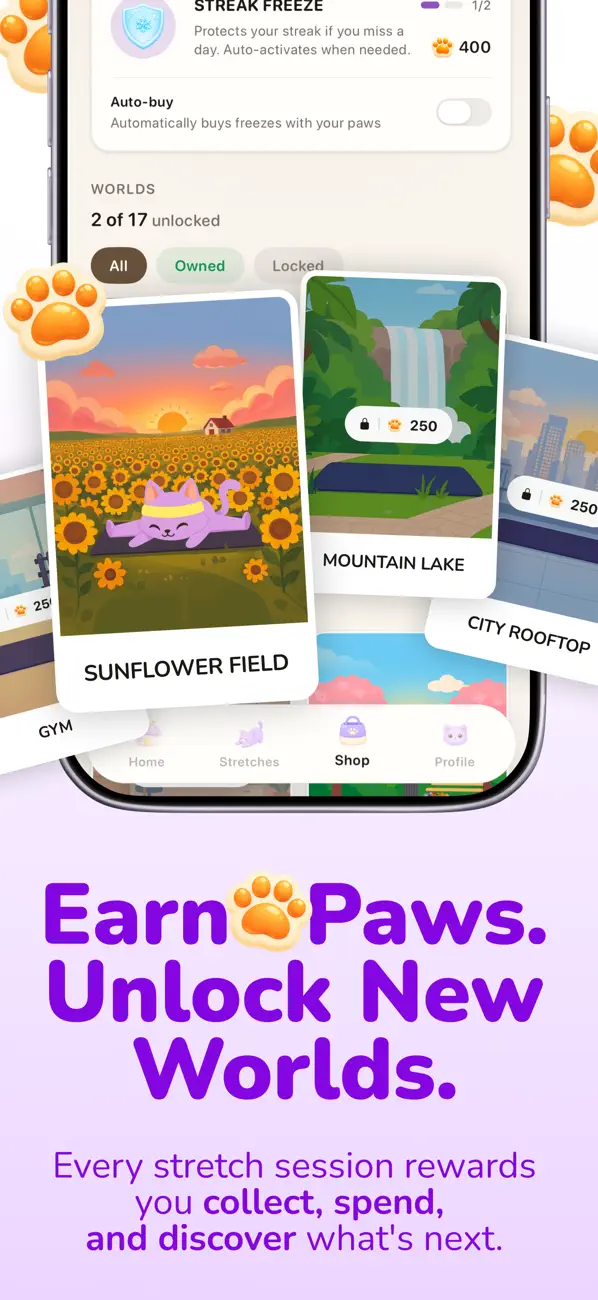

Stretching shouldn't feel like homework. Mochi makes it the most fun part of your day.
Meet Mochi, the stretching app that turns flexibility into a daily habit you actually look forward to. Guided by your friendly cat companion, you'll loosen up tight shoulders, ease desk-job stiffness, and finally start feeling good in your body, all in under 10 minutes a day.
Free trial available. Subscription required for longer term use.
WHY MOCHI?
Most stretching apps feel like a workout plan you'll quit by Wednesday. Mochi is built differently. Streaks, rewards, badges, and your cat companion give you a real reason to come back tomorrow, long before you see the physical results.
WHAT'S INSIDE
• Guided stretching routines with clear video tutorials • Smart onboarding that tailors routines to your body, goals, and any aches • Daily streaks that build flexibility one day at a time • Badges and challenges that celebrate your progress • Streak shields and freezes so a busy day doesn't undo your work • Mochi the cat, cheering you on every step of the way • Sessions as short as 5 minutes, designed to fit any schedule
WHO IT'S FOR
• Office and remote workers who sit all day and feel stiff • Anyone who used to be flexible and wants it back • People dealing with everyday neck, back, or shoulder tightness • Beginners who don't know where to start • Anyone who has tried to stretch consistently and given up
NO MORE GUESSING
Skip the random YouTube videos and "I'll start tomorrow" excuses. Mochi tells you exactly what to do, when to do it, and rewards you for showing up.
Privacy Policy: https://stretchwithmochi.com/privacy Terms of Use: https://stretchwithmochi.com/terms
Questions or feedback? help@stretchwithmochi.com
This app hasn't received enough ratings or reviews to display an overview.
Bug fixes and app improvements
The developer, 140g Labs LLC, indicated that the app's privacy practices may include handling of data as described below.
The following data may be collected and linked to your identity:
The following data may be collected but it is not linked to your identity:
Privacy practices may vary, for example, based on the features you use or your age. Learn More
The developer has not yet indicated which accessibility features this app supports. Learn More
Some in-app purchases and subscriptions may be shareable with a family group when Family Sharing is enabled.
Stretchly
Health & Fitness
Calm Routines
Lifestyle
Focus Flow
Productivity
Incolla un URL App Store per partire da una scheda live, oppure compila a mano nome app, sottotitolo, sviluppatore, categoria, prezzo e classificazione età.
Controlla area hero, rail degli screenshot, striscia valutazioni, descrizione, note di rilascio, schede privacy, compatibilità e sezione informazioni in un'unica anteprima.
Regola copy, ordine degli screenshot, metadati e note di rilascio prima di inviare la scheda a un designer, marketer o ad App Store Connect.
Usa l'anteprima per vedere come si legge la pagina dell'app nel suo insieme, con metadati, screenshot, valutazioni, privacy e copy di rilascio nello stesso layout.
Controlla lunghezza del titolo, ritmo degli screenshot, copy di rilascio e gerarchia dei metadati prima di chiudere la scheda app definitiva.
I file di icona e screenshot vengono renderizzati in locale nel browser. Non vengono caricati da questo strumento.
Solo i campi essenziali richiedono attenzione. Il resto parte con default realistici così l'anteprima resta completa.
Sleek disegna le schermate dell'app e i layout degli screenshot che riempiono questa pagina. Descrivi la tua app una volta ed esporta design pronti per lo store.
Per tutto il resto, scrivi a support@sleek.design.
Parti da una frase. Sleek disegna ogni schermata in un solo stile.
Si inizia gratis. Senza carta di credito. Usato da oltre 60.000 creatori di app.
Halloween · Pro annuale
Prima $360, ora $199
un anno di Pro