Data Linked to You
The following data may be collected and linked to your identity:
- Health & Fitness
- Location
- Contact Info
- Identifiers
- Usage Data
Preview an Apple App Store product page before you update App Store Connect. Import a live listing or enter metadata manually, then review the page layout, screenshots, ratings, release notes, privacy cards, and information section.
Matches the structure, spacing, and hierarchy of the current App Store web page.

Flexibility, Mobility, Yoga
Free · In-App Purchases · Designed for iPhone. Not verified for macOS.
Age Rating
Years
Category
App
Developer
Maker
Language
English
Size
MB
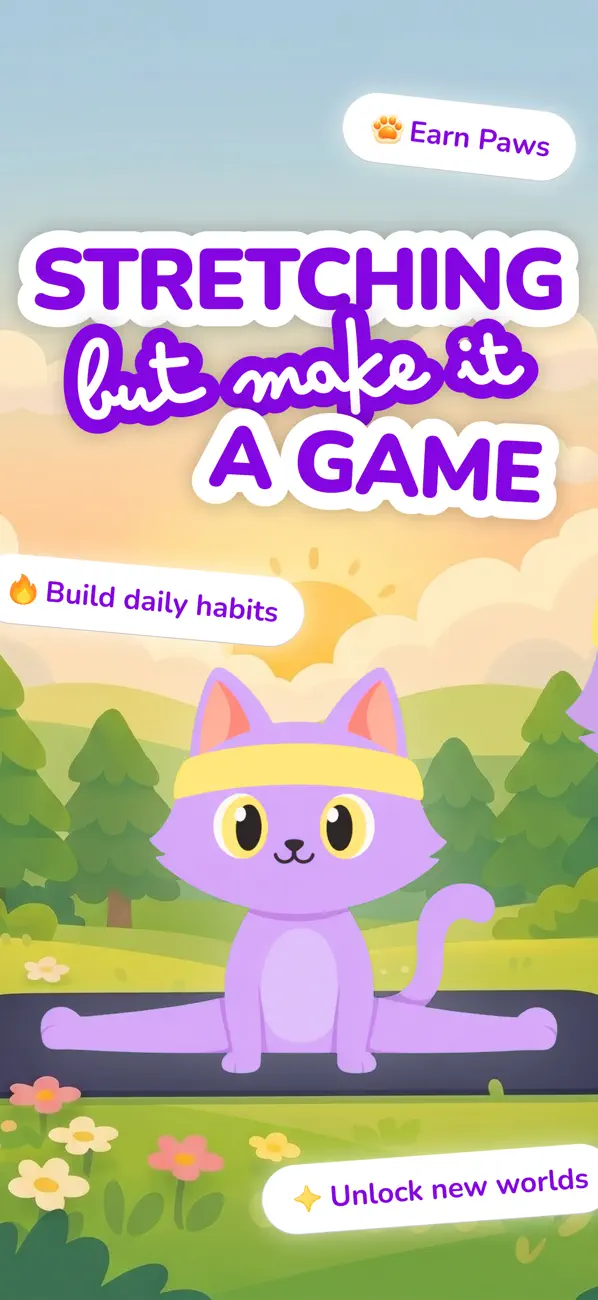
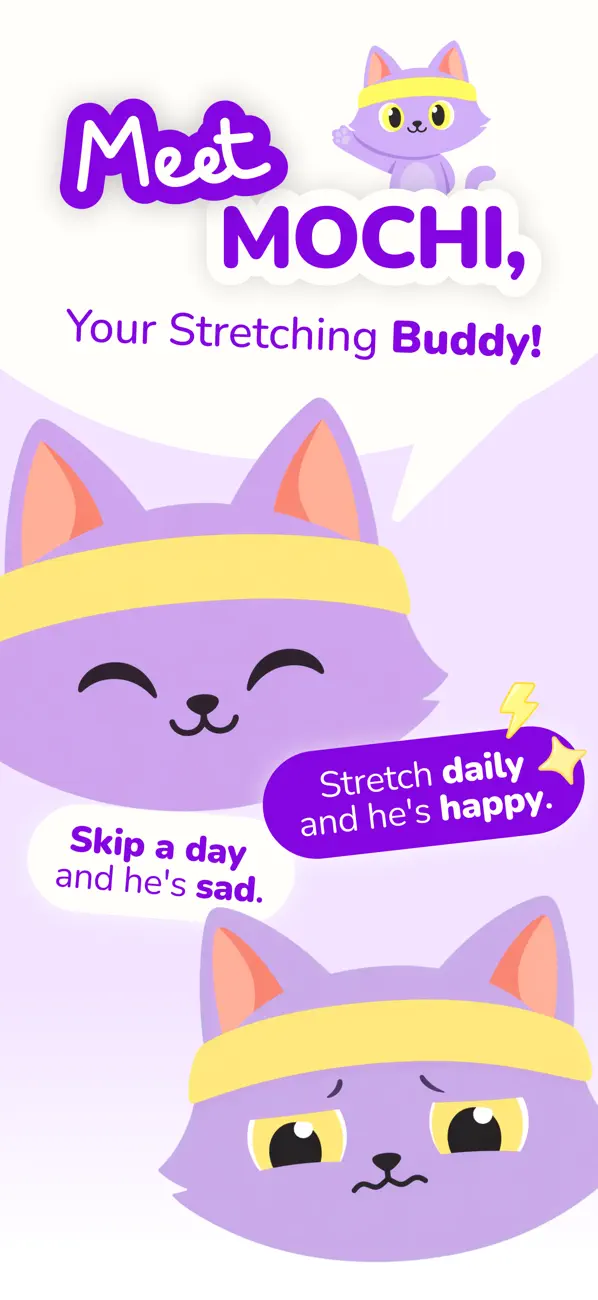
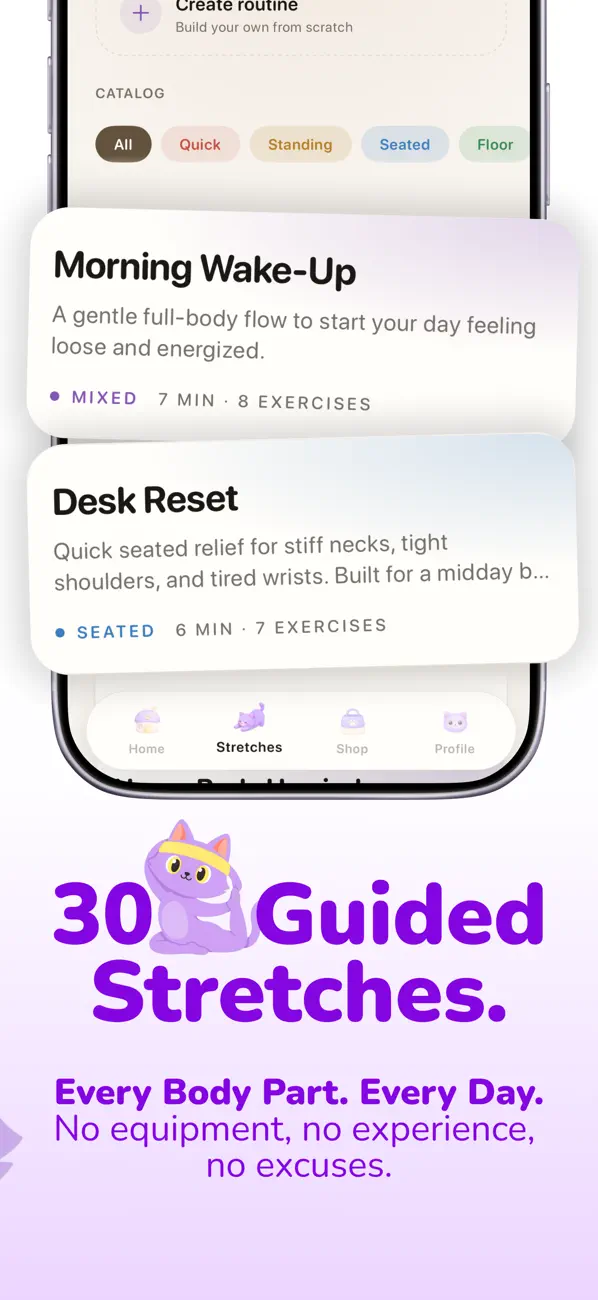
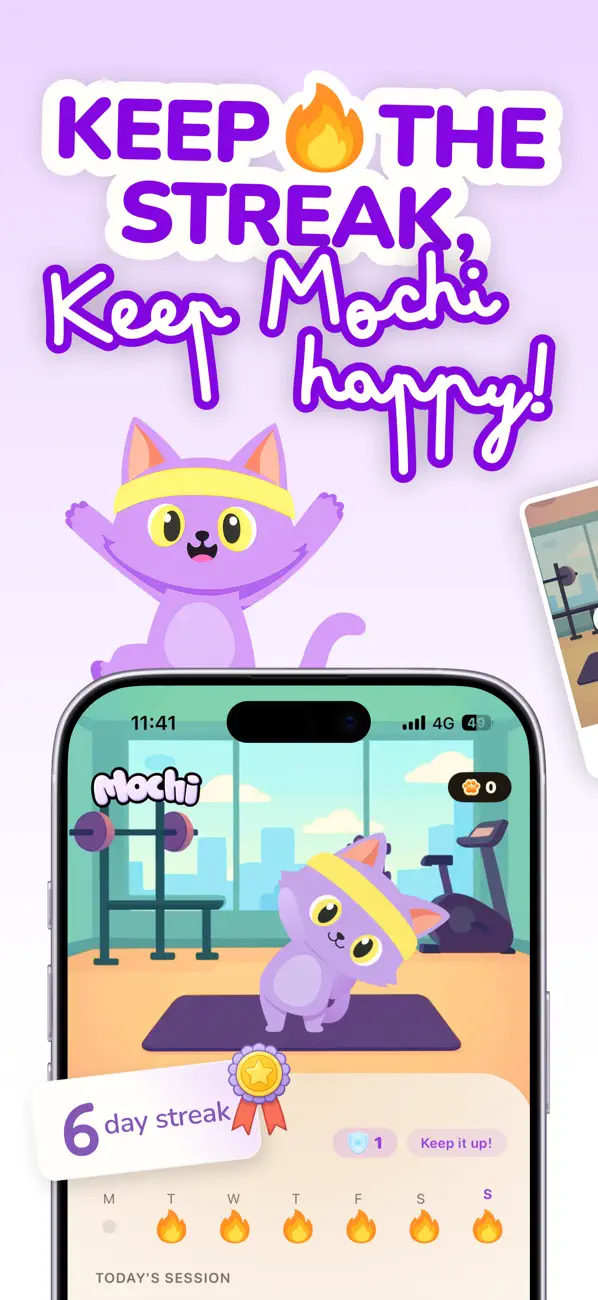
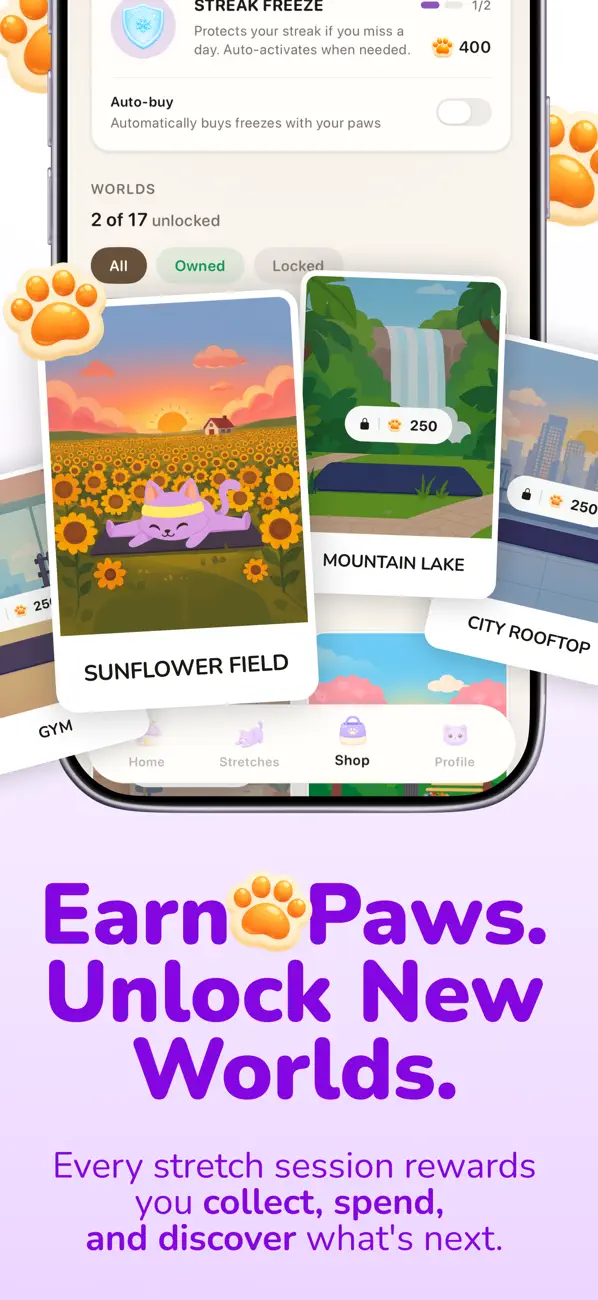

Stretching shouldn't feel like homework. Mochi makes it the most fun part of your day.
Meet Mochi, the stretching app that turns flexibility into a daily habit you actually look forward to. Guided by your friendly cat companion, you'll loosen up tight shoulders, ease desk-job stiffness, and finally start feeling good in your body, all in under 10 minutes a day.
Free trial available. Subscription required for longer term use.
WHY MOCHI?
Most stretching apps feel like a workout plan you'll quit by Wednesday. Mochi is built differently. Streaks, rewards, badges, and your cat companion give you a real reason to come back tomorrow, long before you see the physical results.
WHAT'S INSIDE
• Guided stretching routines with clear video tutorials • Smart onboarding that tailors routines to your body, goals, and any aches • Daily streaks that build flexibility one day at a time • Badges and challenges that celebrate your progress • Streak shields and freezes so a busy day doesn't undo your work • Mochi the cat, cheering you on every step of the way • Sessions as short as 5 minutes, designed to fit any schedule
WHO IT'S FOR
• Office and remote workers who sit all day and feel stiff • Anyone who used to be flexible and wants it back • People dealing with everyday neck, back, or shoulder tightness • Beginners who don't know where to start • Anyone who has tried to stretch consistently and given up
NO MORE GUESSING
Skip the random YouTube videos and "I'll start tomorrow" excuses. Mochi tells you exactly what to do, when to do it, and rewards you for showing up.
Privacy Policy: https://stretchwithmochi.com/privacy Terms of Use: https://stretchwithmochi.com/terms
Questions or feedback? help@stretchwithmochi.com
This app hasn't received enough ratings or reviews to display an overview.
Bug fixes and app improvements
The developer, 140g Labs LLC, indicated that the app's privacy practices may include handling of data as described below.
The following data may be collected and linked to your identity:
The following data may be collected but it is not linked to your identity:
Privacy practices may vary, for example, based on the features you use or your age. Learn More
The developer has not yet indicated which accessibility features this app supports. Learn More
Some in-app purchases and subscriptions may be shareable with a family group when Family Sharing is enabled.
Stretchly
Health & Fitness
Calm Routines
Lifestyle
Focus Flow
Productivity
Paste an App Store URL to start from a live listing, or fill in the app name, subtitle, developer, category, price, and age rating by hand.
Check the hero area, screenshot rail, rating strip, description, release notes, privacy cards, compatibility, and information section in one preview.
Adjust copy, screenshot order, metadata, and release notes before you send the listing to a designer, marketer, or App Store Connect.
Use the preview to see how your app page reads as a whole, with metadata, screenshots, ratings, privacy, and release copy in the same layout.
Check title length, screenshot rhythm, release copy, and metadata hierarchy before you commit to a final app listing.
Icon and screenshot files are rendered locally in the browser. They are not uploaded by this tool.
Only the essential fields need attention. The rest starts with realistic defaults so the preview still feels complete.
Sleek designs the app screens and screenshot layouts that fill this page. Describe your app once and export store-ready designs.
Something else? Write to support@sleek.design.
Start with one sentence. Sleek designs every screen in one style.
Free to start. No credit card. Used by 60,000+ app makers.