Data Linked to You
The following data may be collected and linked to your identity:
- Health & Fitness
- Location
- Contact Info
- Identifiers
- Usage Data
Sehen Sie eine Apple-App-Store-Produktseite in der Vorschau, bevor Sie App Store Connect aktualisieren. Importieren Sie ein Live-Listing oder geben Sie Metadaten manuell ein, und prüfen Sie Seitenlayout, Screenshots, Bewertungen, Release Notes, Datenschutz-Karten und Informationsbereich.
Entspricht Struktur, Abständen und Hierarchie der aktuellen App-Store-Webseite.

Flexibility, Mobility, Yoga
Free · In-App Purchases · Designed for iPhone. Not verified for macOS.
Age Rating
Years
Category
App
Developer
Maker
Language
English
Size
MB
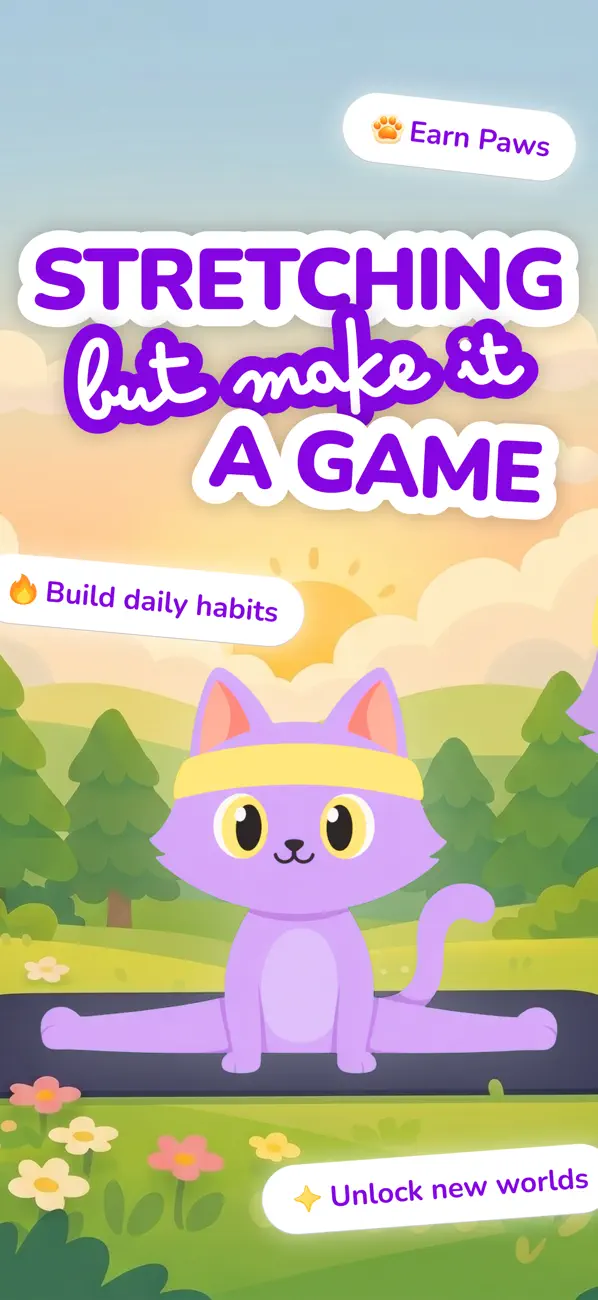
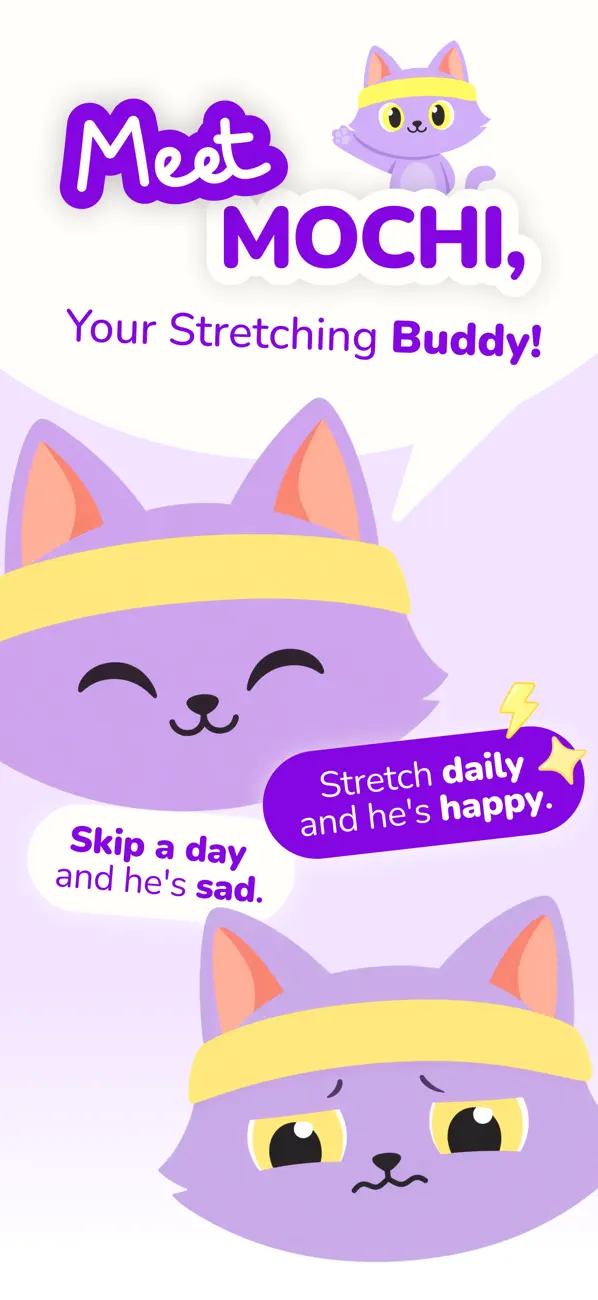
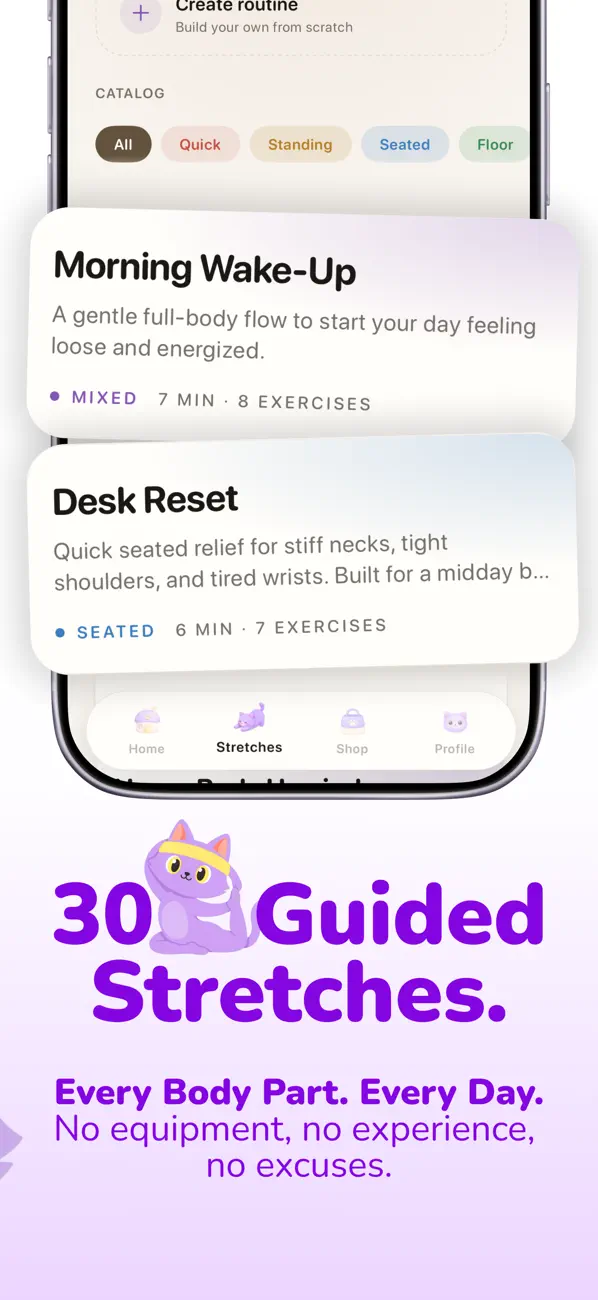
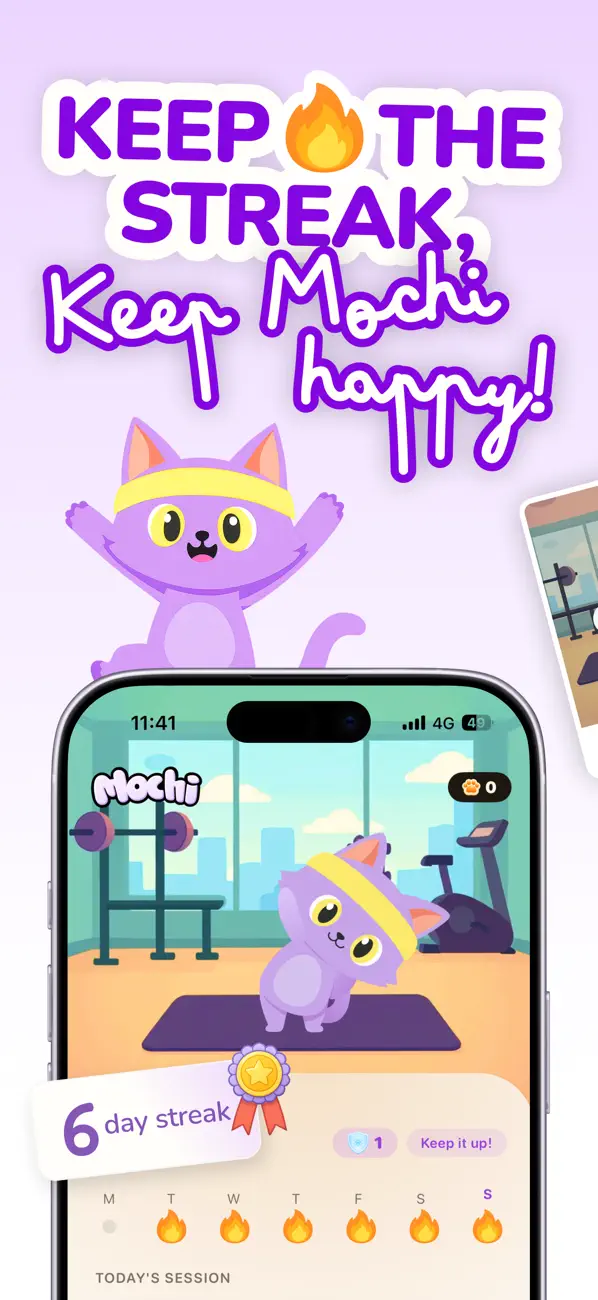
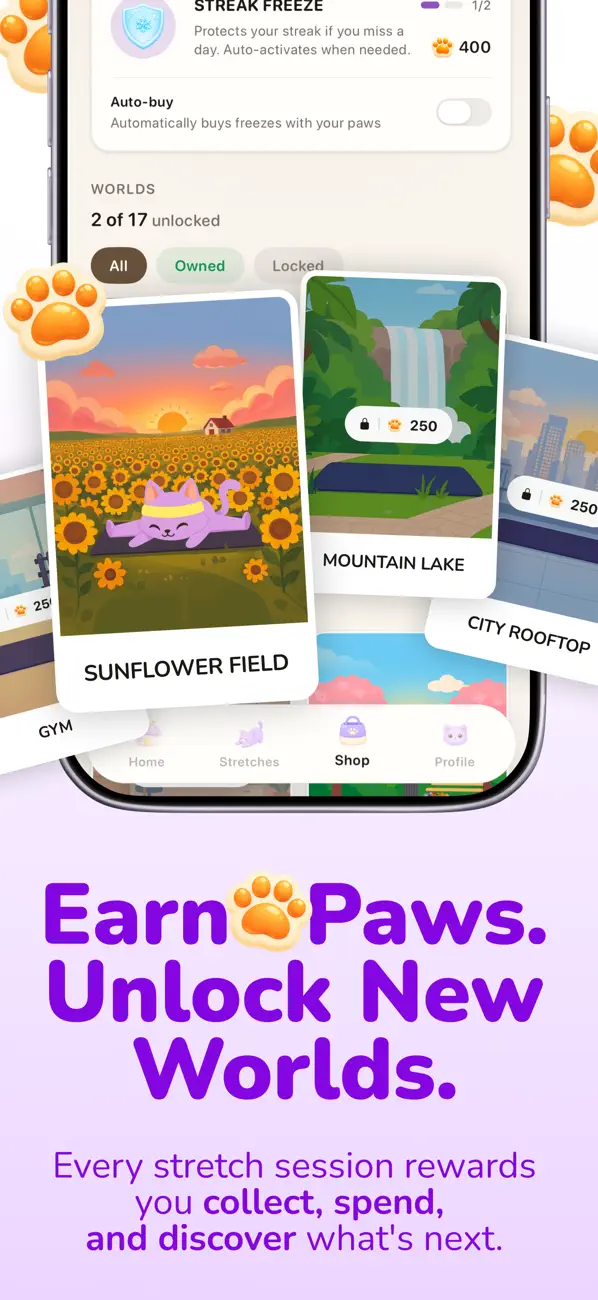

Stretching shouldn't feel like homework. Mochi makes it the most fun part of your day.
Meet Mochi, the stretching app that turns flexibility into a daily habit you actually look forward to. Guided by your friendly cat companion, you'll loosen up tight shoulders, ease desk-job stiffness, and finally start feeling good in your body, all in under 10 minutes a day.
Free trial available. Subscription required for longer term use.
WHY MOCHI?
Most stretching apps feel like a workout plan you'll quit by Wednesday. Mochi is built differently. Streaks, rewards, badges, and your cat companion give you a real reason to come back tomorrow, long before you see the physical results.
WHAT'S INSIDE
• Guided stretching routines with clear video tutorials • Smart onboarding that tailors routines to your body, goals, and any aches • Daily streaks that build flexibility one day at a time • Badges and challenges that celebrate your progress • Streak shields and freezes so a busy day doesn't undo your work • Mochi the cat, cheering you on every step of the way • Sessions as short as 5 minutes, designed to fit any schedule
WHO IT'S FOR
• Office and remote workers who sit all day and feel stiff • Anyone who used to be flexible and wants it back • People dealing with everyday neck, back, or shoulder tightness • Beginners who don't know where to start • Anyone who has tried to stretch consistently and given up
NO MORE GUESSING
Skip the random YouTube videos and "I'll start tomorrow" excuses. Mochi tells you exactly what to do, when to do it, and rewards you for showing up.
Privacy Policy: https://stretchwithmochi.com/privacy Terms of Use: https://stretchwithmochi.com/terms
Questions or feedback? help@stretchwithmochi.com
This app hasn't received enough ratings or reviews to display an overview.
Bug fixes and app improvements
The developer, 140g Labs LLC, indicated that the app's privacy practices may include handling of data as described below.
The following data may be collected and linked to your identity:
The following data may be collected but it is not linked to your identity:
Privacy practices may vary, for example, based on the features you use or your age. Learn More
The developer has not yet indicated which accessibility features this app supports. Learn More
Some in-app purchases and subscriptions may be shareable with a family group when Family Sharing is enabled.
Stretchly
Health & Fitness
Calm Routines
Lifestyle
Focus Flow
Productivity
Fügen Sie eine App-Store-URL ein, um von einem Live-Listing zu starten, oder tragen Sie App-Name, Untertitel, Entwickler, Kategorie, Preis und Altersfreigabe manuell ein.
Prüfen Sie Hero-Bereich, Screenshot-Leiste, Bewertungszeile, Beschreibung, Release Notes, Datenschutz-Karten, Kompatibilität und Informationsbereich in einer Vorschau.
Passen Sie Texte, Screenshot-Reihenfolge, Metadaten und Release Notes an, bevor Sie das Listing an Designer, Marketer oder App Store Connect weitergeben.
Nutzen Sie die Vorschau, um zu sehen, wie Ihre App-Seite als Ganzes wirkt: mit Metadaten, Screenshots, Bewertungen, Datenschutz und Release-Texten im gleichen Layout.
Prüfen Sie Titellänge, Screenshot-Rhythmus, Release-Texte und Metadaten-Hierarchie, bevor Sie sich auf ein finales App-Listing festlegen.
Icon- und Screenshot-Dateien werden lokal im Browser gerendert. Dieses Tool lädt sie nicht hoch.
Nur die wesentlichen Felder brauchen Aufmerksamkeit. Der Rest startet mit realistischen Defaults, damit die Vorschau trotzdem vollständig wirkt.
Sleek designt die App-Screens und Screenshot-Layouts, die diese Seite füllen. Beschreiben Sie Ihre App einmal und exportieren Sie Store-fertige Designs.
Ihre Frage ist nicht dabei? Schreiben Sie an support@sleek.design.
Starten Sie mit einem Satz. Sleek designt jeden Screen im selben Stil.
Kostenlos starten. Keine Kreditkarte erforderlich. Genutzt von 60.000+ App-Machern.
Halloween · Pro-Jahresabo
Statt $360 jetzt $199
ein Jahr Pro